Hello everyone,
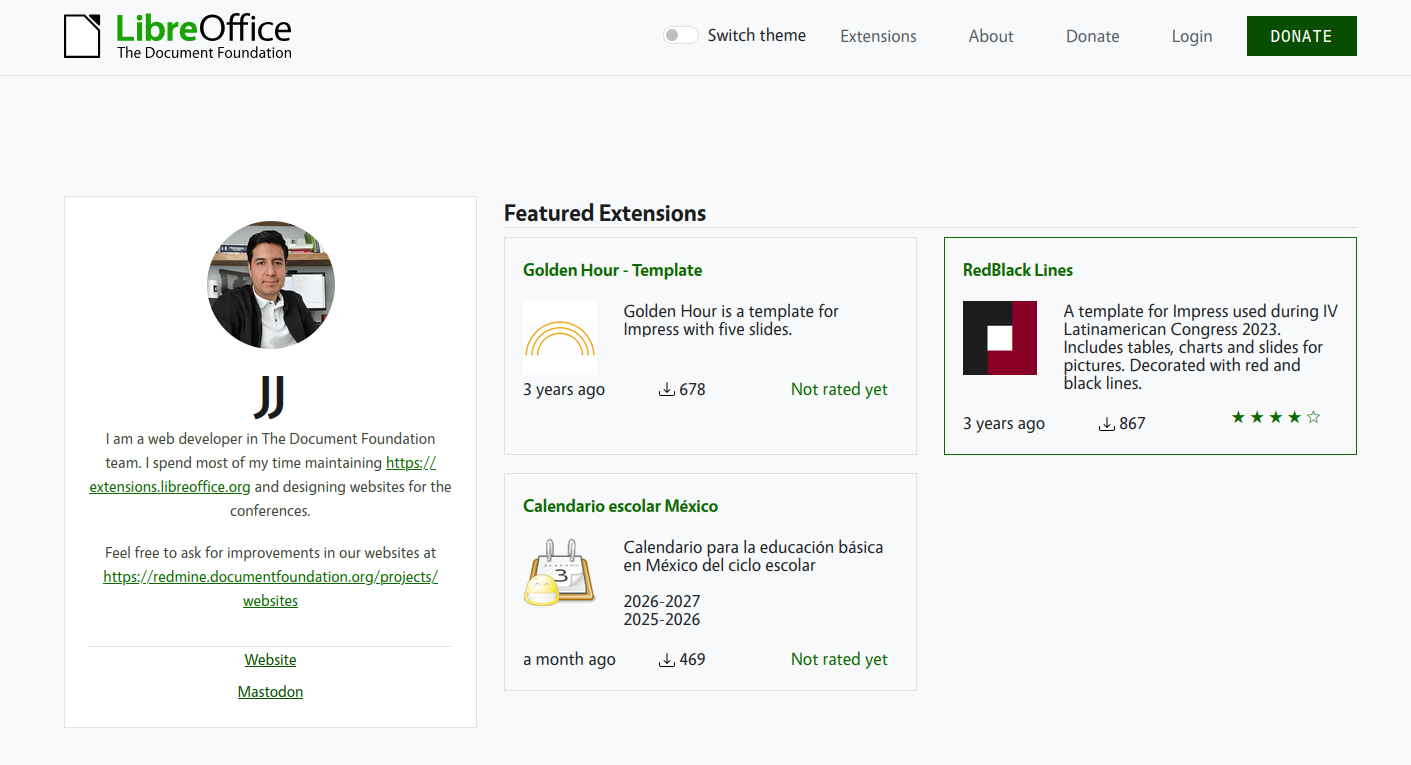
I’m happy to announce that, starting today, you can have an author profile page on the Extensions site (https://extensions.libreoffice.org). It’s designed for authors who’d like to showcase their work in one place and share a bit about themselves.
Author pages are completely opt-in, so nothing changes for anyone who isn’t interested. All content is reviewed and approved by the site administrators before it’s published. Once your page has been approved, you can hide it and show it again at any time without going through a new review.
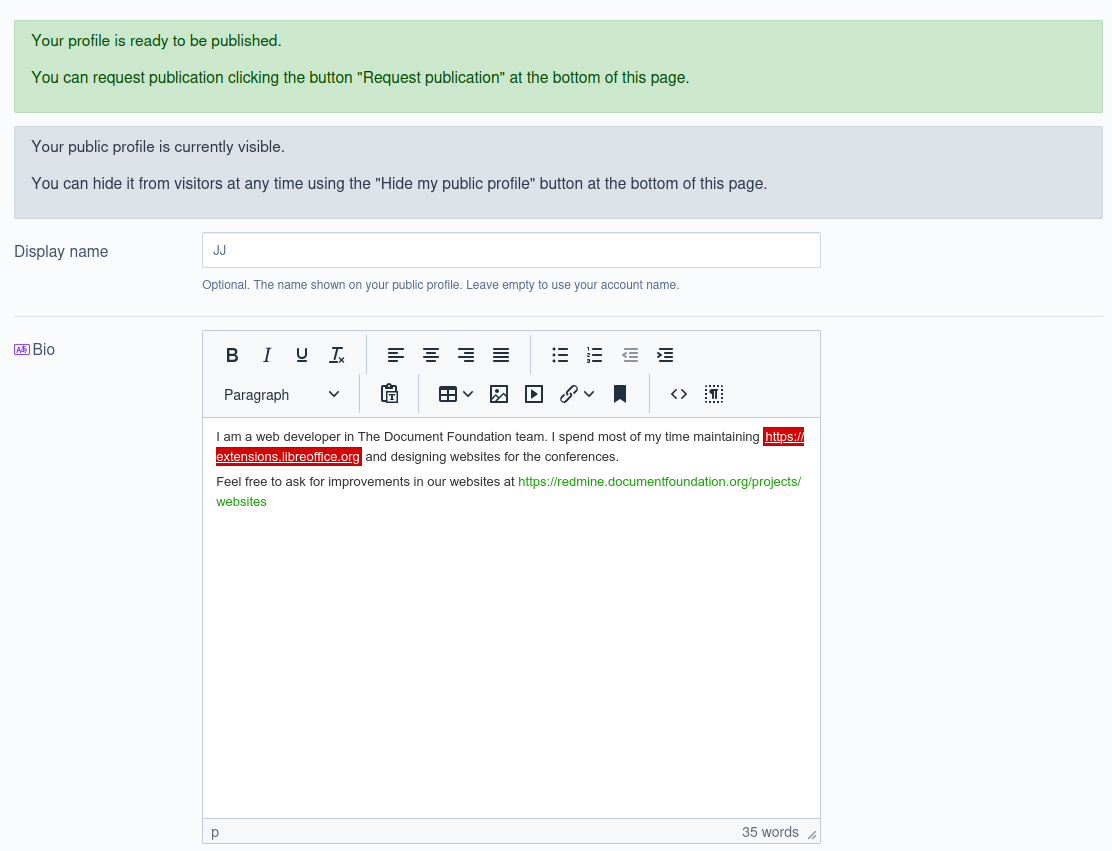
How to get started:
- Log in to the site. You’ll see a new option in the admin sidebar called “My Profile Page”.
- Open it, read the privacy notice, and create your page.
- Fill in the basic information. Every field is optional, and you can choose some of your extensions to display as Featured Extensions.
- Click “Request Publication”. One of the administrators will review and approve it, and you’ll receive an email once your page is published.
This is an initial, basic version, so there’s plenty of room to grow. I hope you find it useful, and I’d love to hear your feedback, ideas, and any issues you run into.
Thanks!
- JJ